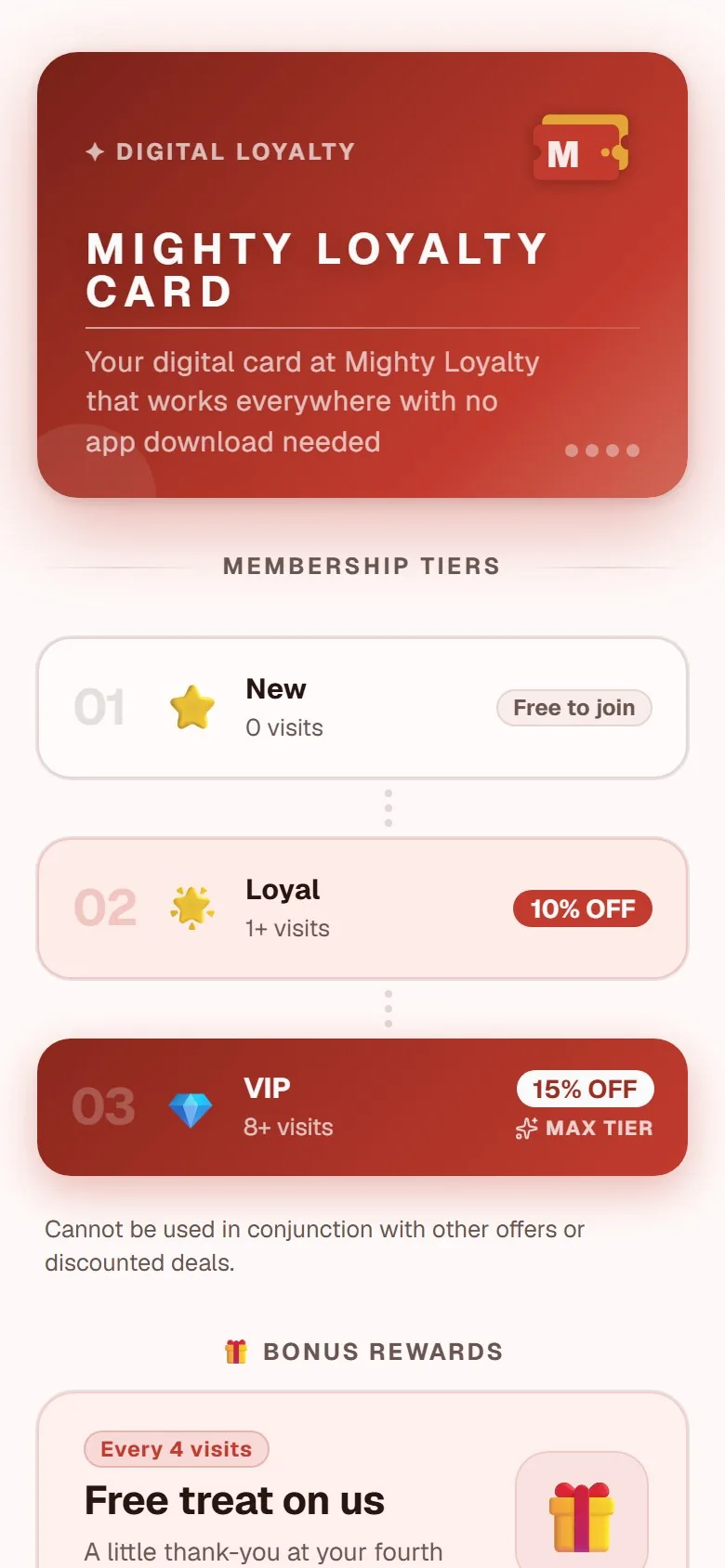
A stamp card without an app download opens in the customer's browser the moment they scan a QR code: no App Store, no installation, no waiting. This article explains exactly how that works, why it matters for how many customers actually sign up, and what it means for you as the owner running the program.
What "no app download" actually means
Most people are familiar with the app-based loyalty experience from large chains: you are told to download an app, wait for the installation, grant camera and notification permissions, and then create a password-protected account. That is four to six steps and takes several minutes even on a good connection.
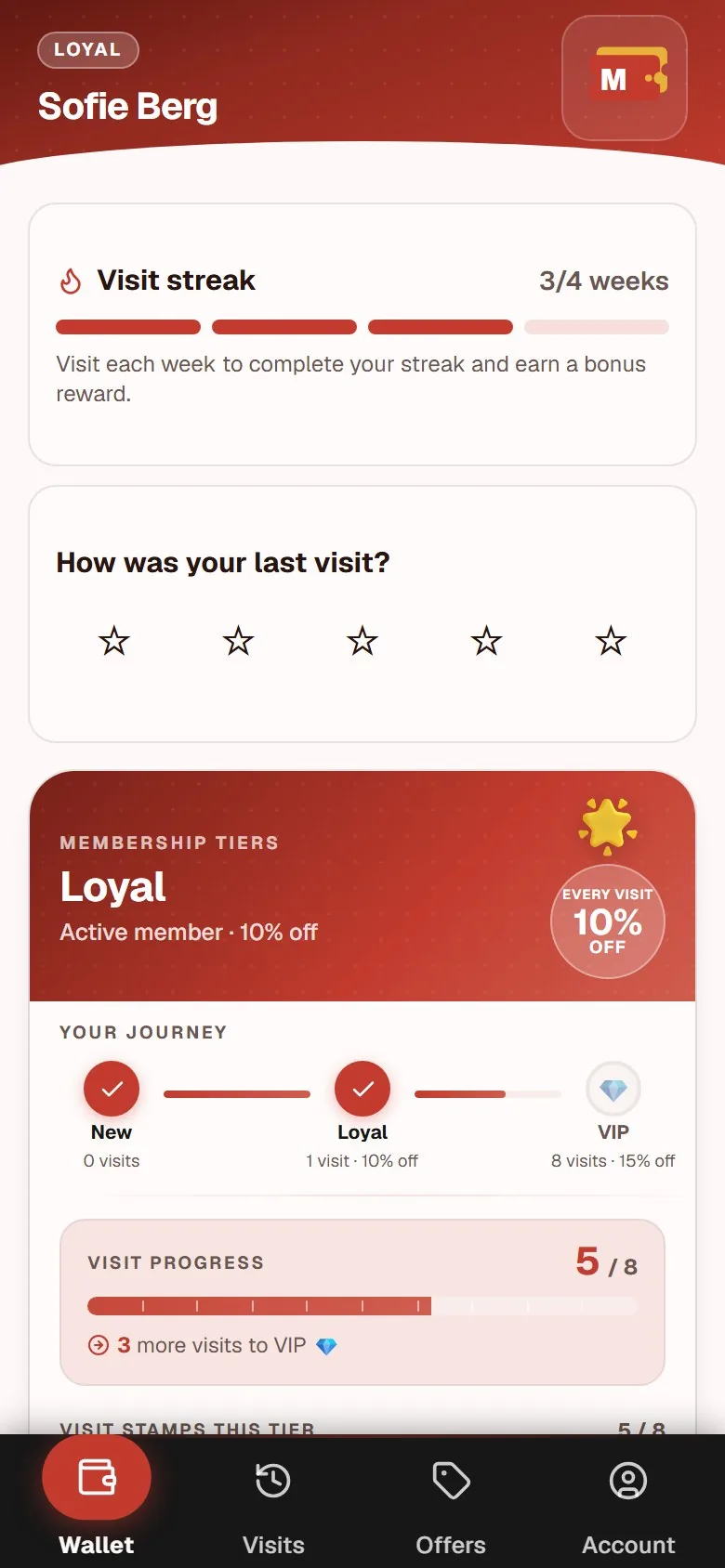
A web-based stamp card strips all of those steps away. Technically it is a progressive web app: a website that behaves like an app. It lives in the customer's browser, retrieves data from a server, and remembers the customer's account from visit to visit. There is nothing to install and no permissions to grant.
Customers can optionally save a shortcut to their home screen, so the card appears as an app icon and opens directly. But that is optional. The card works completely from the browser alone.
Step by step: the customer's experience
Imagine a café with a QR poster near the till. Here is exactly what happens when a new customer signs up for the first time:
- The customer scans the QR code using their phone's standard camera, no scanner app needed.
- The stamp card opens directly in the mobile browser.
- The customer accepts a consent prompt and creates an account, typically with their email address.
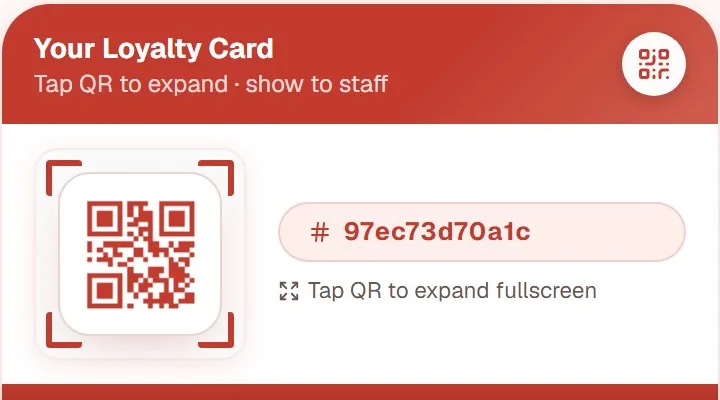
- The card now shows the customer's personal QR code, ready to be scanned.
- The staff member scans the code and the first stamp is recorded.
From the second visit onwards, the process is just two steps: open the card, show the QR code. Staff scans. Stamp recorded.
There is no barrier at any subsequent visit. The account is stored in the system, and the card remembers the customer whether they are on Android or iPhone, and even if they switch phones. They simply log back in with their email and pick up exactly where they left off.
Staff side: one scan, one stamp
From the staff's perspective, the process is even simpler. The staff member opens a dedicated scan screen on a device near the till and the customer holds up their QR code.
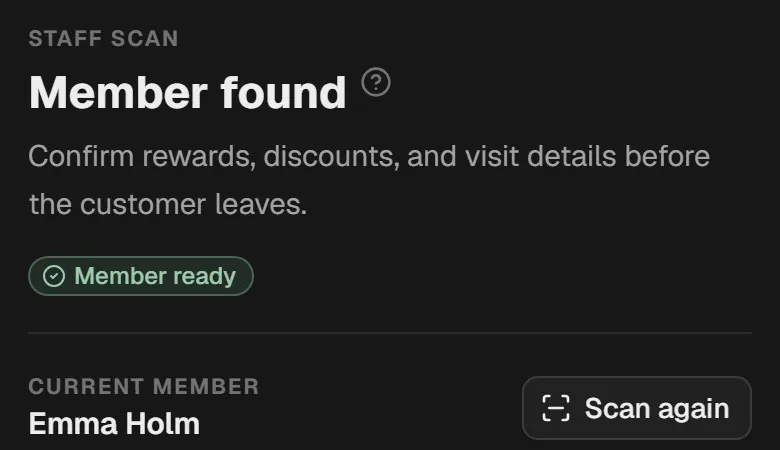
Two to three seconds, and the stamp is recorded. No handwriting, no paper card to hand over and discard, no uncertainty about whether the customer got the right number of stamps. Everything goes through the system, and you can see the full visit history in your dashboard at any time.
This is an important difference from a plastic card, which staff can never really validate. With a digital card, every stamp goes exactly where it should.
Why the friction of app downloads is a real barrier
Imagine two cafés starting a loyalty program on the same day. One requires customers to download an app. The other uses QR code to browser. Both venues actively ask customers at the till. Which café has more sign-ups after a month?
The answer comes down to friction. Every extra step in the sign-up flow is a point where a busy customer can decide it is not worth the effort. An app download typically takes four to six steps and several minutes. A QR code to browser takes two to three steps and under a minute.
Lower friction at sign-up is directly connected to how many customers actually complete the process. That is precisely what makes the no-download approach the preferred option for most newer loyalty platforms.
A full breakdown of what else to look for when choosing a loyalty platform is in the stamp card app guide. To see the browser-based model in practice, it is what our own digital stamp card runs on.
What you do not lose by skipping the dedicated app
A common objection to web-based stamp cards is that they are "not real apps". That objection is outdated. A modern web app can:
- Save a home screen shortcut with your logo and name, indistinguishable from an installed app.
- Work with a poor connection, because key data is cached locally in the browser.
- Show personalised offers and rewards, updated in real time without the customer doing anything.
- Store customer data securely and meet GDPR requirements, exactly as a dedicated app would.
What you actually risk losing by requiring an app download is customers who do not want to install yet another app. That is a real number in any business, even if it is hard to put an exact figure on it for your specific venue.
For a side-by-side comparison of digital and paper stamp cards, we have put together a full breakdown of digital vs paper stamp cards.
What a web-based stamp card costs
At MightyLoyalty, Standard costs 99 DKK per month and includes unlimited stamps, a QR poster and print materials, a sign-up screen, and an owner dashboard with analytics. Pro at 249 DKK per month adds personalised offers, a spin-the-wheel feature, and advanced analytics.
There is no binding period and no setup fee, and you cancel in the portal.
For a practical walkthrough of what setting up a program actually involves, the guide to creating a stamp card program in a single day is a good starting point.
Frequently asked questions
Does a stamp card without an app work on all phones?
Yes. The web app runs in the phone's standard browser, which is Safari on iPhone and Chrome on Android. There are no version restrictions beyond needing a modern browser, which any phone sold in the last five or six years already has. Customers with very old devices can be signed up manually by a staff member.
Do customers need an account to use the stamp card?
Yes, an account is needed to link stamps to a specific customer. Sign-up requires an email address. The process is intentionally minimal: it is not a full registration form, but a simple consent flow that takes under a minute to complete.
What is the difference between a stamp card without an app and a digital loyalty card on mobile?
In everyday use, the terms refer to the same thing. A digital loyalty card on mobile and a stamp card without an app are both web-based loyalty cards that open in the browser. The difference is only in what is being emphasised: that the card lives on the phone, or that it does not require a download. For more on why a mobile loyalty card outperforms a plastic one, see the guide to mobile loyalty cards vs plastic.