Every loyalty tool looks good in a demo, because a demo is one calm person tapping through screens in the right order. Your Friday evening is not that. These nine questions are the ones worth asking a provider before you pay for anything, in the order they will matter to you.
1. Does signing up require an app store download?
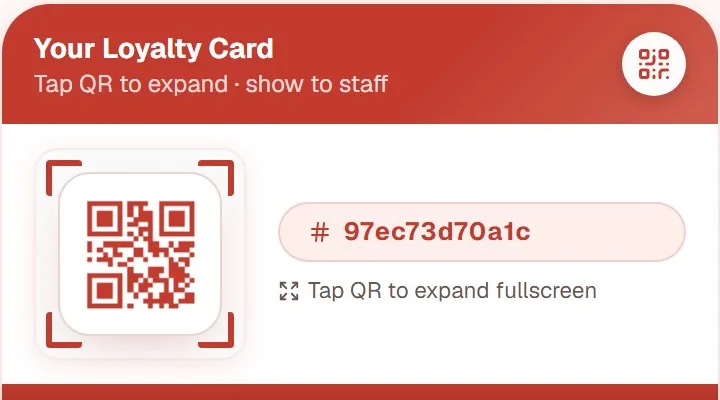
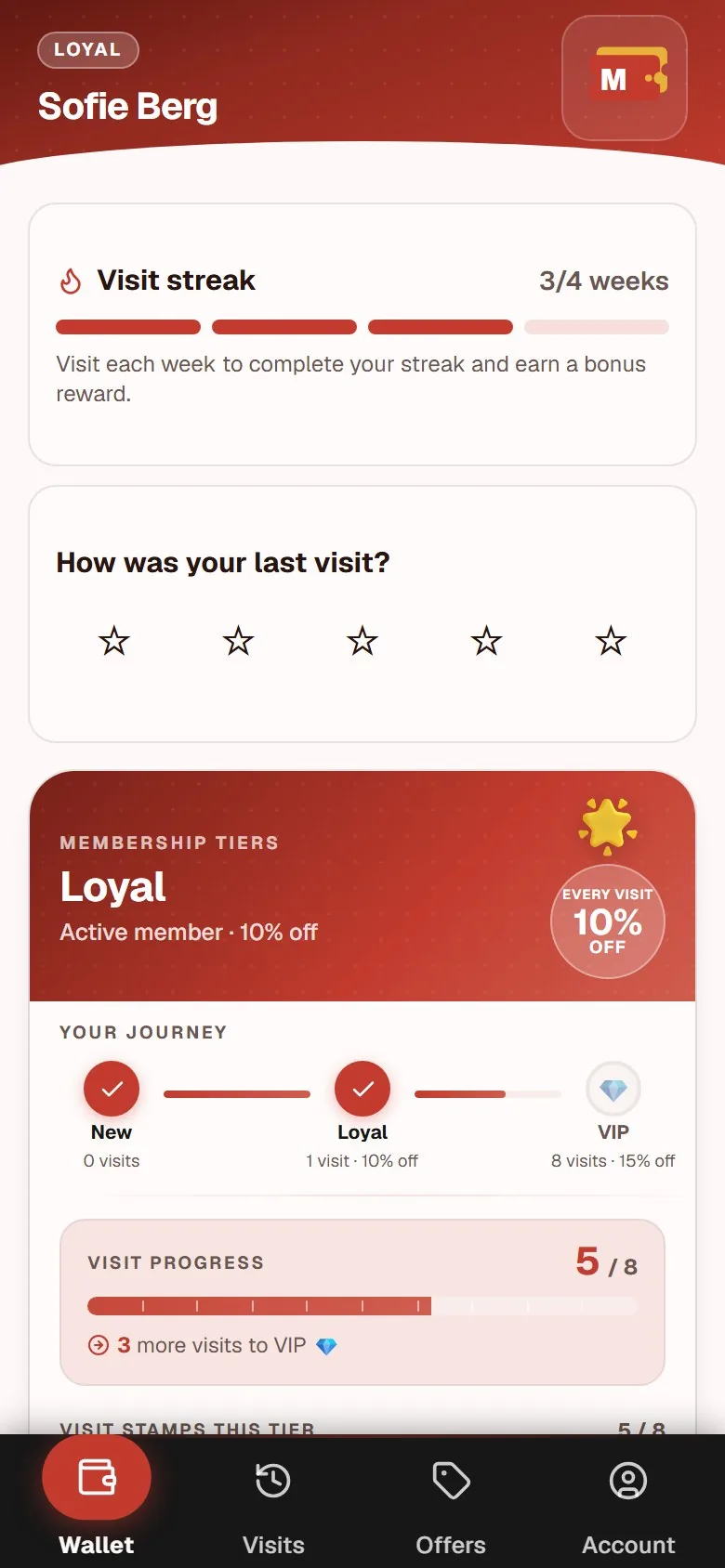
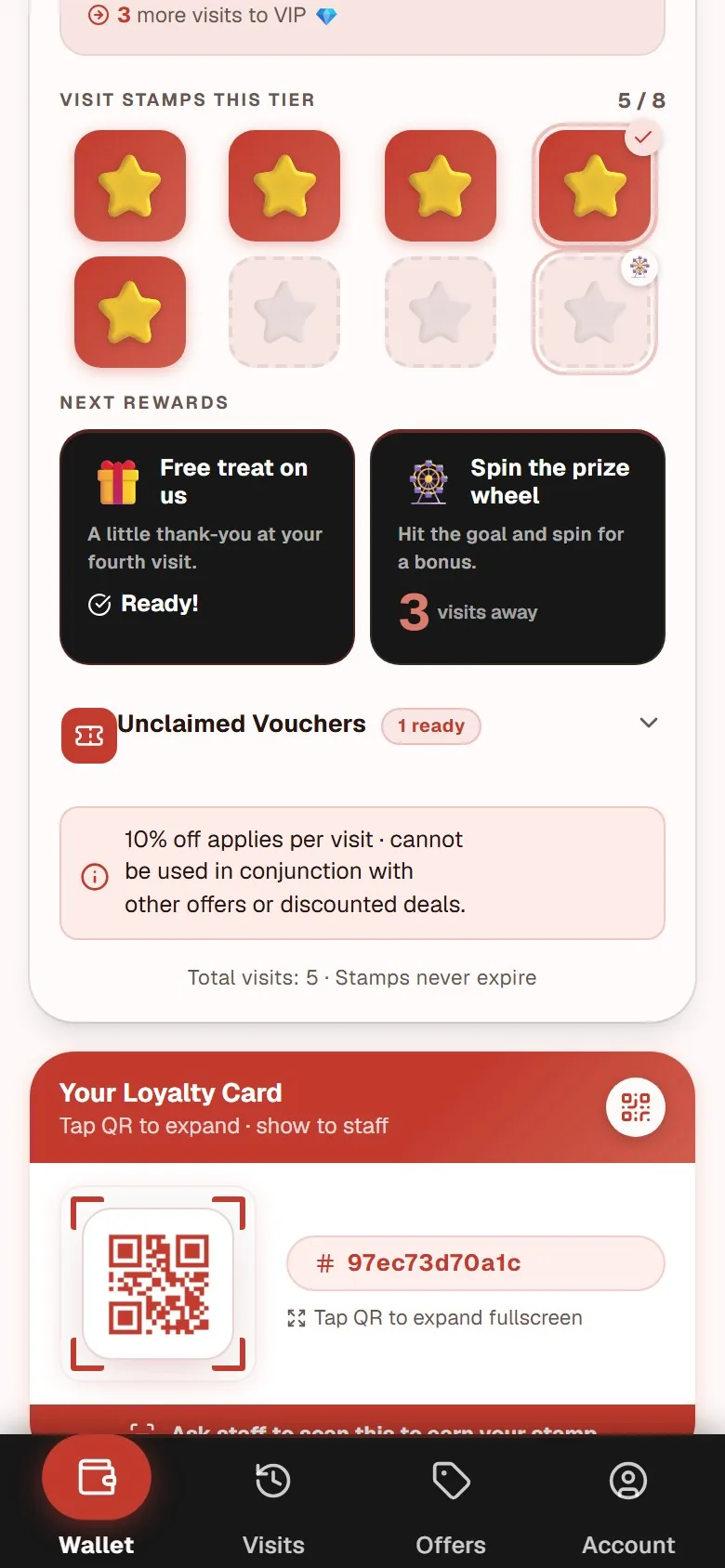
This is the first question because it decides almost everything else. A card that lives in the phone browser is created by scanning a QR code: three seconds, no account, no password. A card that lives in an app store costs the guest a download, a login, and a decision, all while she is standing at the counter with her coffee going cold.
Every step you add costs signups, and signups are the whole asset. Ask to see the join flow from the guest's phone, not from a slide. Our own digital stamp card page shows exactly what a guest sees between scanning the poster and holding a card, which is the comparison worth making with any provider.
2. How many taps does a staff member make per stamp?
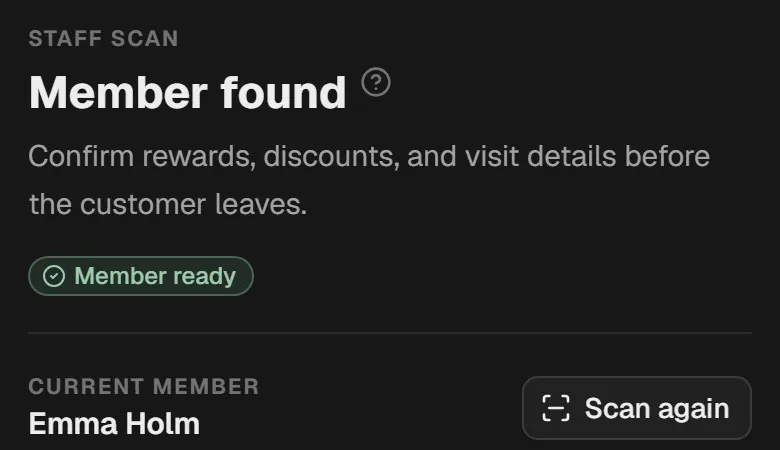
Count them yourself, on a real phone. One tap is the target. Three is tolerable. Anything that involves searching for a customer by name, typing an email, or waiting for a page to load will be skipped during a rush, and a program that gets skipped during a rush is a program that never builds a habit.
Ask what happens on a bad connection, too. A busy venue with thick walls is where scan screens quietly fail.
3. Can I export my customer list?
Ask for a straight yes or no, and ask what format. If you cannot export your members and their visit history as a CSV, the customers are not really yours: they are the provider's, and you are renting access to them.
This is the single question that most cleanly separates a tool you can leave from a tool you are stuck in. Ask it early, before you have spent a year collecting members.
4. Whose brand is on the card?
Open the finished card the way a guest sees it. Is that your logo and your color at the top, or the provider's? A loyalty card is a piece of marketing that your best customers open repeatedly. If it advertises a platform they have never heard of, you have handed away a small amount of brand real estate for no reason.
Watch for "powered by" banners and, on free plans, actual advertising on the card.
5. Where is the data stored, and who is the data controller?
You are collecting personal data, so this is a compliance question, not a preference. Ask where the servers are, whether the data stays inside the EU, and what the provider's role is under GDPR. Ask what happens to member data when you cancel.
A provider who cannot answer this quickly and in writing is a provider who has not thought about it.
6. What breaks if I change POS?
A loyalty tool that runs independently of your point-of-sale system survives you switching terminals, adding a till, or changing payment provider. A tool wired into your POS does not, and the day you renegotiate that contract you are also renegotiating your loyalty program.
Independence has a cost: staff use a separate scan screen rather than stamping inside the checkout flow. For most cafes, restaurants, and salons, that cost is a few seconds and it is worth paying.
7. What can I change myself after launch?
You will get the reward or the stamp goal wrong on the first attempt. Everyone does. What matters is whether you can fix it yourself in a minute, or whether it means a support ticket and a wait.
Ask specifically: can you change the stamp goal, the reward text, the colors, and the poster without help? And what happens to members who are already halfway through a card when you do?
8. What does it cost when the program works?
Ask for the full price list now, including what happens when you pass a member cap or a monthly stamp limit. A price that rises exactly as the program succeeds is a bad structure, because it charges you most at the moment the tool is proving its worth.
A flat monthly subscription is easier to plan around. With MightyLoyalty, Standard costs 99 DKK per month and Pro, with email marketing, automations and advanced analytics, costs 249 DKK per month. There is no binding period and no setup fee, and you cancel in the portal. For how the market's pricing models are built, the stamp card platform pricing models comparison puts per-month, per-stamp, per-member, per-location, and freemium side by side.
9. How do I get out?
Ask how cancellation works before you need it. Is it a button in a portal, an email to support, or a notice period? Can you export first? Does the card keep working for guests until the end of the paid period?
An easy exit is a proxy for confidence. A provider that makes leaving awkward is telling you something about how they expect to retain you.
Turning the answers into a decision
Nine questions is a lot to ask in one conversation, so use them as a scorecard rather than an interrogation. Questions 1, 2, and 3 are the ones with no acceptable wrong answer: no download, one tap, full export. If a provider fails any of those three, the rest of the list does not matter much.
The remaining six are trade-offs you can weigh against price and against what your business actually needs. A salon that sees each client six times a year cares more about branding and manual adjustments than about scan speed. A coffee bar with a morning queue cares about almost nothing else.
If you want to see how the answers look in a program that is actually running, we describe our own setup in the Maiya Nepali Kitchen walkthrough, which is a restaurant we run ourselves. And if you are still weighing digital against the paper card you have now, the comparison of digital and paper stamp cards sets both side by side. For a full breakdown of what a customer loyalty card is as a category, the difference between digital and physical formats, and what different platforms cost, see our customer loyalty card guide.
Frequently asked questions
Do my customers need to download an app?
Not with a web-app based solution. Customers scan a QR code and the card opens in the browser, where they can save it to the home screen if they want to. No app store, no download, no password. If a provider requires a download, ask them what their signup completion rate looks like at a busy counter.
How long does it take to get started?
With a modern solution you are typically live the same day. The setup itself takes about five minutes: logo, color, stamp goal, and reward text. The rest is printing the poster and spending ten minutes showing your team the one sentence they need to say.
Does it work with my POS system?
A good loyalty tool runs independently of your POS, so there is nothing to integrate. Staff stamp visits in a separate scan screen on a phone or tablet next to the till. That independence is deliberate: it means changing your POS provider later does not touch your loyalty program or your member data.