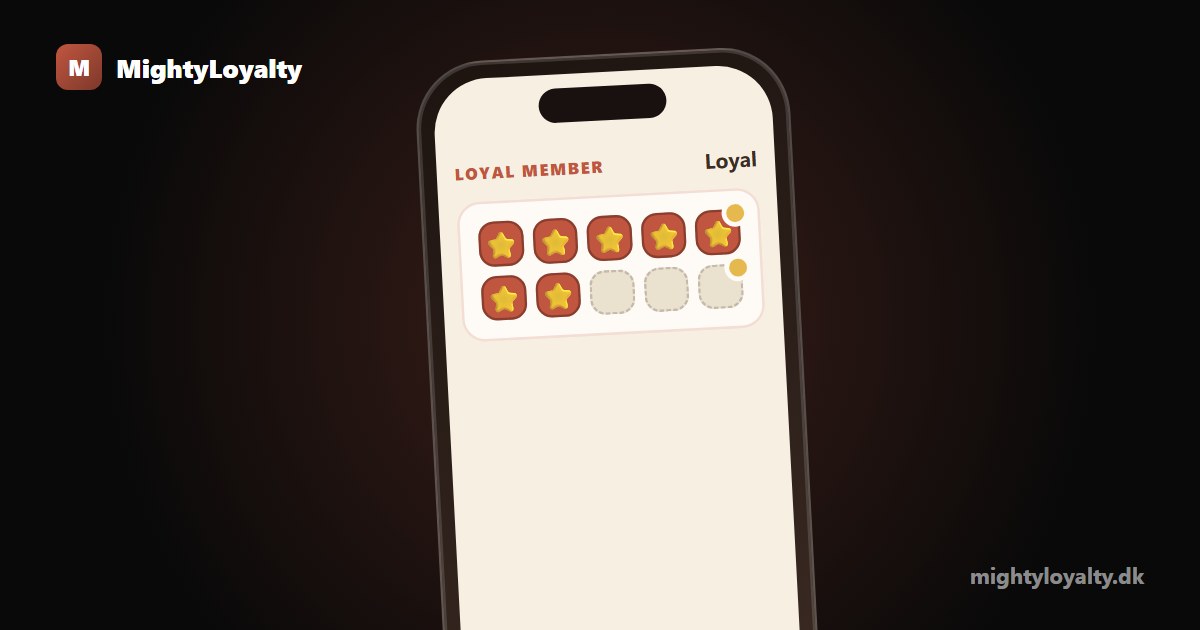
A stamp card on mobile is the digital version of the paper card, living right on your customer's phone. The customer scans a QR code at the counter and the card opens in the browser, with no app to download and an optional shortcut on the home screen. This article explains how it actually works on the phone in practice, for both customers and staff.
What does "stamp card on mobile" actually mean?
A stamp card on mobile is a loyalty card that lives on the customer's phone rather than in their wallet. The principle is the same as the old paper card: visit a set number of times and get something free. What differs is how the card reaches the phone.
In practice, customers meet three different ways to get a stamp card on mobile:
- An app from the App Store or Google Play, which the customer has to download and create an account in.
- A wallet pass in Apple Wallet or Google Wallet, which depends on the customer's phone being set up for it.
- A web-based solution, where the card opens in the browser from a QR code, with no install at all.
MightyLoyalty uses the web-based route. If you want the basics first, we explain the concept in our guide to what a digital stamp card is.
How it looks on your customer's phone
The first time a customer joins, it happens in four simple steps:
- The customer spots the QR poster at the counter and scans it with their camera.
- The loyalty page opens directly in the phone's browser.
- The customer gives consent and the card is active.
- The card now shows a personal QR code, which they hold up at each visit.
There is nothing to download from the App Store, no account with a password to remember, and no waiting. The whole sign-up is done in under a minute.
Many customers choose to tap "Add to home screen" so the card sits as an icon next to their other apps. It feels like an app, but there is no download behind it. Next time, the customer just opens the shortcut and shows their QR code. Staff scan it, and the stamp is recorded.
App, wallet, or browser: what is the difference?
This is where the most important difference between solutions sits, and it is worth understanding before you choose.
App. A standalone app can feel polished, but it costs friction. The customer has to find it in the store, download it, and often create an account. Every extra screen costs sign-ups, and an app takes up space on a phone that many people are reluctant to give away for a single café.
Wallet pass. Apple Wallet and Google Wallet are neat because the card sits alongside payment cards and tickets. The downside is that the experience depends on the customer's phone being set up correctly, and the two systems behave differently on iPhone and Android. That can create small hurdles at the counter.
Browser. The web-based route has the lowest friction: the card opens on any phone with a camera and a browser, regardless of brand, and there is nothing to install. The trade-off is that the customer has to remember to save the shortcut themselves if they want quick access.
None of the models is "right" for everyone, but for a busy café or restaurant where every second at the counter counts, the browser route often wins on simplicity. If you want to dig into exactly why the no-download flow reduces drop-off in practice, we trace it step by step in stamp card without an app download. For a full checklist of what to compare between providers, we have gathered it in our guide to choosing a stamp card app.
What happens to the stamps if a customer changes phones?
This is the question customers ask most, and the answer is reassuring. The stamps are stored on a server, not on the phone itself. When the customer gets a new phone, they simply open the card again via email or a direct link, and every stamp they earned is still there.
It also means a customer can lose or break their phone or switch from iPhone to Android without losing anything. The card is tied to the customer, not the hardware. For you as an owner, it means your loyalty history is not wiped every time a customer upgrades their device.
What you gain as an owner
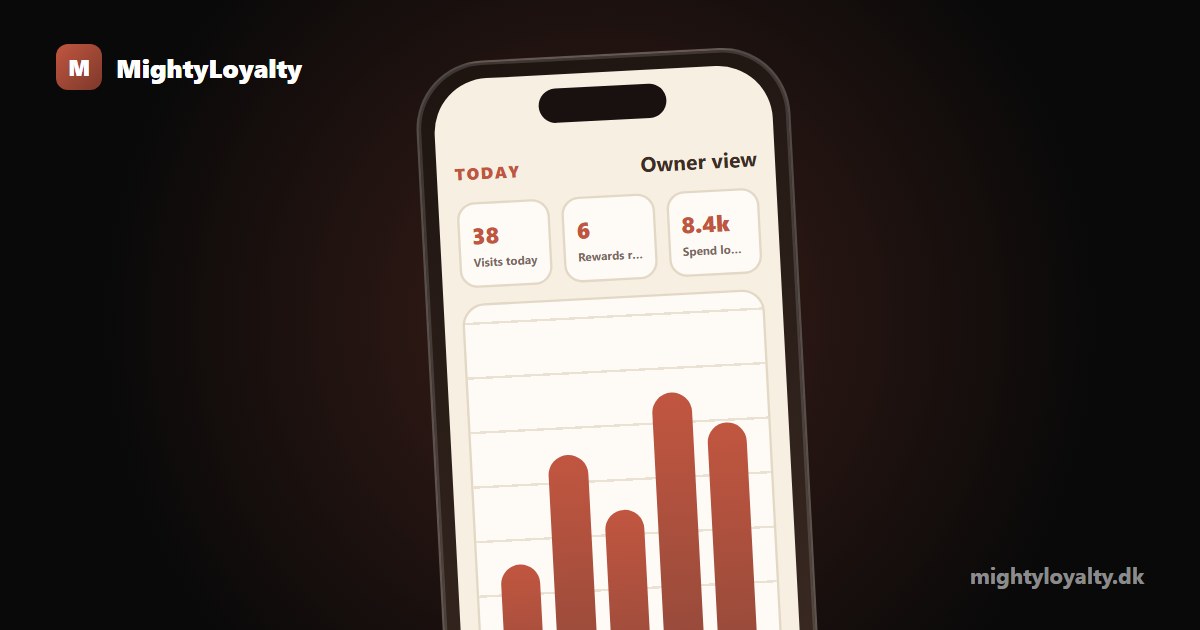
When the card lives on mobile and on a server, you get insight the paper card never gave you. You can see how many members you have, when they last visited, and who is close to a reward. You can create offers and switch them on and off from your owner dashboard, and the change appears on the customer's card immediately.
The dashboard surfaces the three numbers that matter most: how many stamps were recorded today, how many rewards were redeemed this month, and who has not been back in the last 30 days. That last list is where the real value is: the guests worth reaching before they drift to a competitor.
Staff stamp from any device, independent of the POS, and it works even when the connection is shaky. Data is stored in the EU and meets GDPR, so you own your loyalty history with no surprises.
If you want the full breakdown of what you gain from a digital card compared to paper, we have a thorough overview of digital versus paper stamp cards.
Managing the programme from anywhere
Because the loyalty card runs in a browser, the owner dashboard does too. There is nothing to install to manage the programme: you check the numbers, turn an offer on or off, or print a new poster from any device, including your phone, by opening the admin link in a browser.
In practice, that means you can act on what you see without being tied to a laptop or a back office. If you look at the dashboard on a Tuesday afternoon and notice that nobody has visited in two days, you can switch on a limited offer right there, and members see it in their cards within seconds.
That immediacy is one of the practical advantages of a fully browser-based system. A café owner who works the counter themselves can keep an eye on the programme between customers, in the same browser window they use for everything else.
Getting started on mobile today
Setting up a stamp card on mobile takes no longer than an afternoon. You create your program, choose your reward, print the QR poster, and put it on the counter. Then you give staff a short brief: remember to ask "Do you have our stamp card?" at the counter, because that small sentence does more for your sign-up rate than anything else.
Standard costs 99 DKK per month and gives you the full web-based stamp card: unlimited stamping, a join screen, a QR poster, and the owner dashboard. Pro at 249 DKK per month adds personal offers, a spin-the-wheel draw, and advanced statistics. There is no binding period and no setup fee, and you cancel in the portal.
To see the card running on a real phone, try the live demo at loyalty.maiya.dk, read about our own digital stamp card, or compare the plans on the pricing overview.
Frequently asked questions
Does the customer need to download an app?
No. The card opens directly in the phone's browser when the customer scans the QR code, and there is nothing to fetch from the App Store or Google Play. The customer can choose to save a shortcut to their home screen, but that is optional, and even then there is no download behind it.
Does it work without Apple Wallet or Google Wallet?
Yes. The stamp card is web-based and does not depend on Apple Wallet or Google Wallet. It opens on any phone with a browser, whether or not the customer has a wallet set up. That removes a common hurdle at the counter.
Does it require a smartphone?
Yes, the customer needs a phone with a camera and a browser to scan and open the card. That is a bar most customers clear easily today.