Most write-ups about digital loyalty describe a program you cannot look at. This one is the opposite: every screen described below is live right now, and you can open it in your browser without asking anyone for a demo. It is a full example of a digital loyalty program, configured the way we would configure yours.
Full disclosure: this is our own restaurant
Maiya Nepali Kitchen is not an independent customer we interviewed. It is our own restaurant, and it runs on MightyLoyalty because we built both. We are telling you that up front because it changes how you should read everything below.
What it means in practice: treat this as a worked example of the product, not as proof that the product works. We are not going to publish member counts, revenue figures, or a percentage lift, because numbers from a restaurant we own are marketing, not evidence. What we can do, and what an ordinary customer story cannot, is show you every setting, explain why we chose it, and hand you the live link so you can judge the guest experience yourself.
What the setup looks like
The restaurant runs a classic earned-stamp model with its own branding across the whole experience.
Signup via QR. A poster with a QR code stands at the counter. The guest scans it with the phone camera and the loyalty card opens in the browser with the restaurant's logo and colors. No app store, no signup queue at the till, no password to invent while someone waits behind you.
Stamps and rewards. Every visit earns a stamp. There are milestones along the way to the full card, such as a free starter, and a full card unlocks the main reward. Progress stays visible to the guest the whole way, which is most of the motivation: a card at seven of ten is a much stronger argument for coming back than a card at zero.
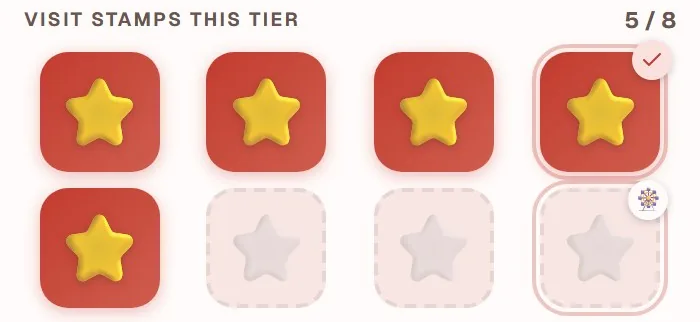
Milestones rather than one distant prize. Putting a small reward partway to the goal is a deliberate choice. A single prize at the end asks a new guest to believe in nine visits before anything happens; a milestone at three gives her evidence much earlier that the card is real.
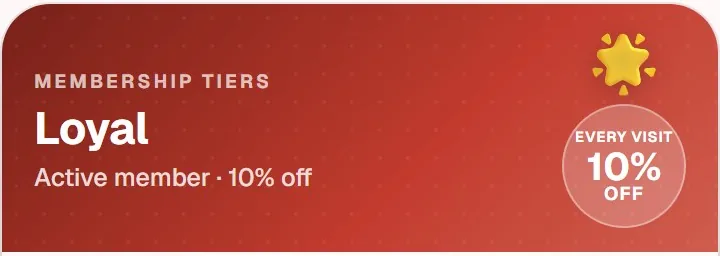
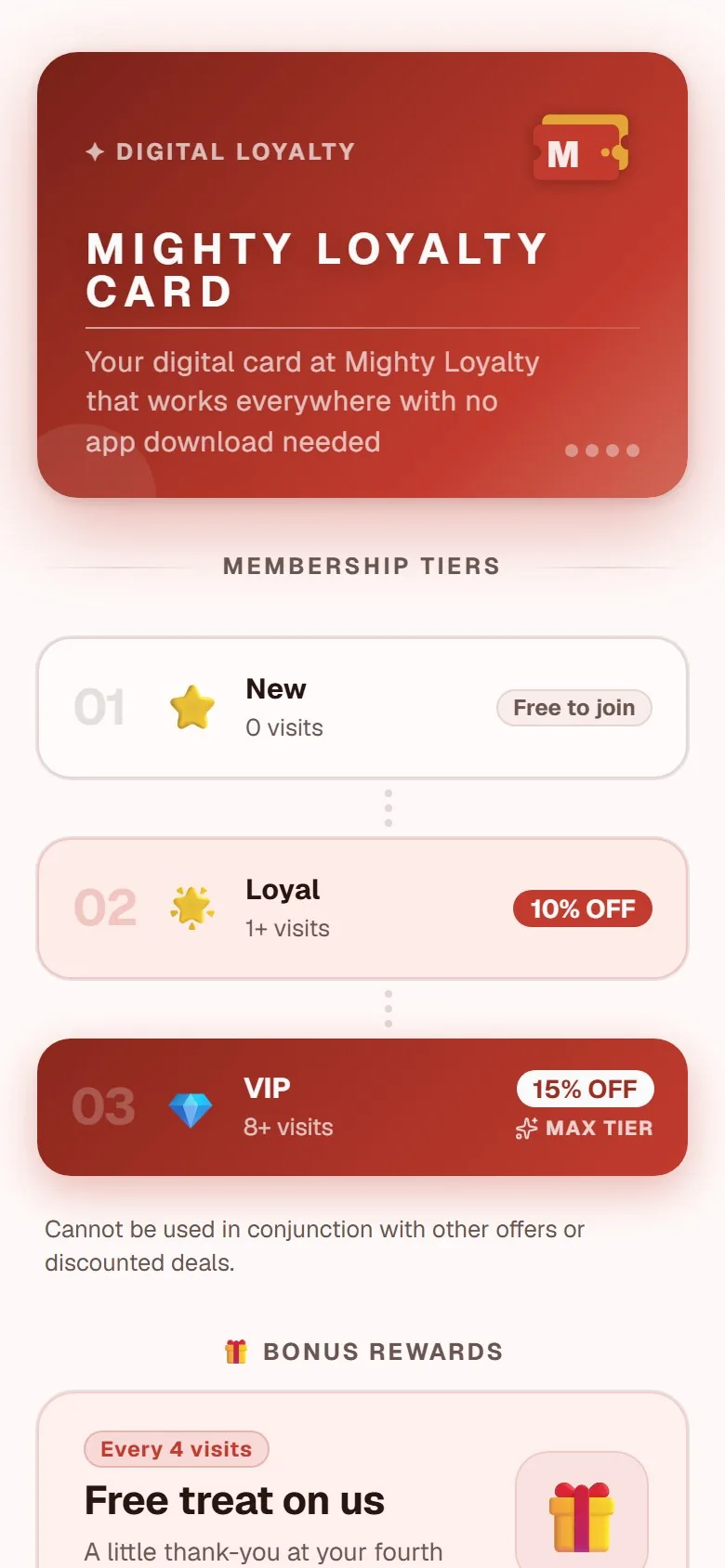
Tiers for regulars. The most loyal guests climb tiers with standing perks, which gives the best guests a reason to keep going after their first full card. Tiers are the layer we would add last in any new program, not first. The reasoning behind that ordering is in our guide to loyalty tiers.
Staff-side stamping. Staff open a scan screen on a phone, scan the guest's code, and tap once. The stamp is registered and the guest sees it instantly on her own screen. Staff access is separate from the owner view, so nobody serving tables can see business data or change settings.
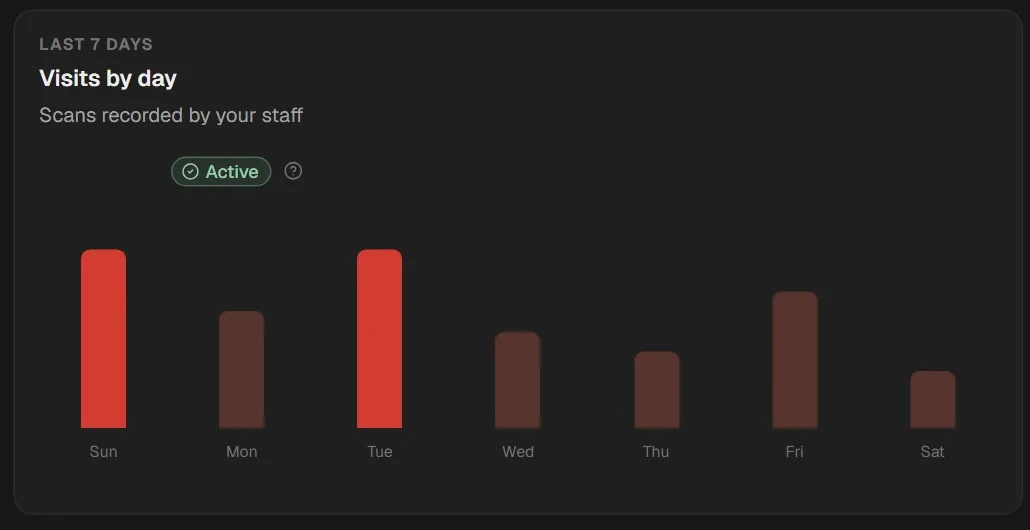
The owner dashboard. Members, visits, and redeemed rewards, week by week. This is where you find out whether the reward is set correctly, rather than guessing from a feeling at the till.
Open it yourself
The useful part of this article is that you do not have to take our word for anything. The program is live at loyalty.maiya.dk and you can open it right now. Three things are worth noticing while you look:
- How fast the card opens, with no download or account creation first.
- How the whole experience carries the restaurant's brand rather than a vendor's.
- How clearly progress and the next reward are shown.
That is the same experience your own guests would get, with your logo, your colors, and your rewards. If you want the equivalent structure described for restaurants generally, rather than for this one kitchen, our restaurant loyalty program page covers the standard setup and what it costs.
What you can copy directly
You do not need to invent anything. These choices transfer to most businesses:
- The QR poster at the till. Signup happens while the guest is already standing still, waiting to pay.
- A reachable goal. The goal should be reachable in weeks, not months, or guests lose faith halfway.
- A reward worth looking forward to. A dish from the menu beats a token discount, because a dish is a treat and a discount is arithmetic.
- At least one milestone before the end. Early proof that the card pays out matters more than the size of the final prize.
- Staff on board from day one. A quick "do you have our stamp card?" at the till is the best marketing the program will ever get, and it is the part that fails first if nobody is briefed.
What it costs to run the same thing
Everything described above is standard configuration, not custom development. Standard is 99 DKK per month and covers unlimited stamping, the printable QR poster, and the owner dashboard. Pro at 249 DKK per month adds email marketing, automations, push notifications, and advanced analytics. There is no setup fee and no binding period, and you cancel in the portal.
If you have not chosen a platform yet, the stamp card app page has the full feature overview, and the nine questions to ask a provider covers what to check before you commit. And if you are still running physical cards, the digital versus paper comparison is the more useful place to start.
Frequently asked questions
How long did the setup take?
The program itself takes about five minutes to configure: logo, colors, stamp goal, and rewards. After that, only printing the poster stands between you and launch. The part that takes longer is deciding what the reward should be and what number of stamps fits your visit rhythm, and those decisions are worth more thought than the setup screen is.
Does it require equipment in the restaurant?
No. A poster at the counter and an ordinary phone or tablet for the staff scan screen is all it takes. There is no terminal to buy, no card reader, and no integration with the till, which also means changing your point-of-sale provider later does not affect the loyalty program at all.
Can I get the same setup for my business?
Yes. Everything in this walkthrough is standard functionality rather than custom development, so an equivalent program can be live the same day you subscribe. The settings that differ between businesses are the stamp goal, the reward, the milestones, and the branding, and you control all four yourself from the dashboard.