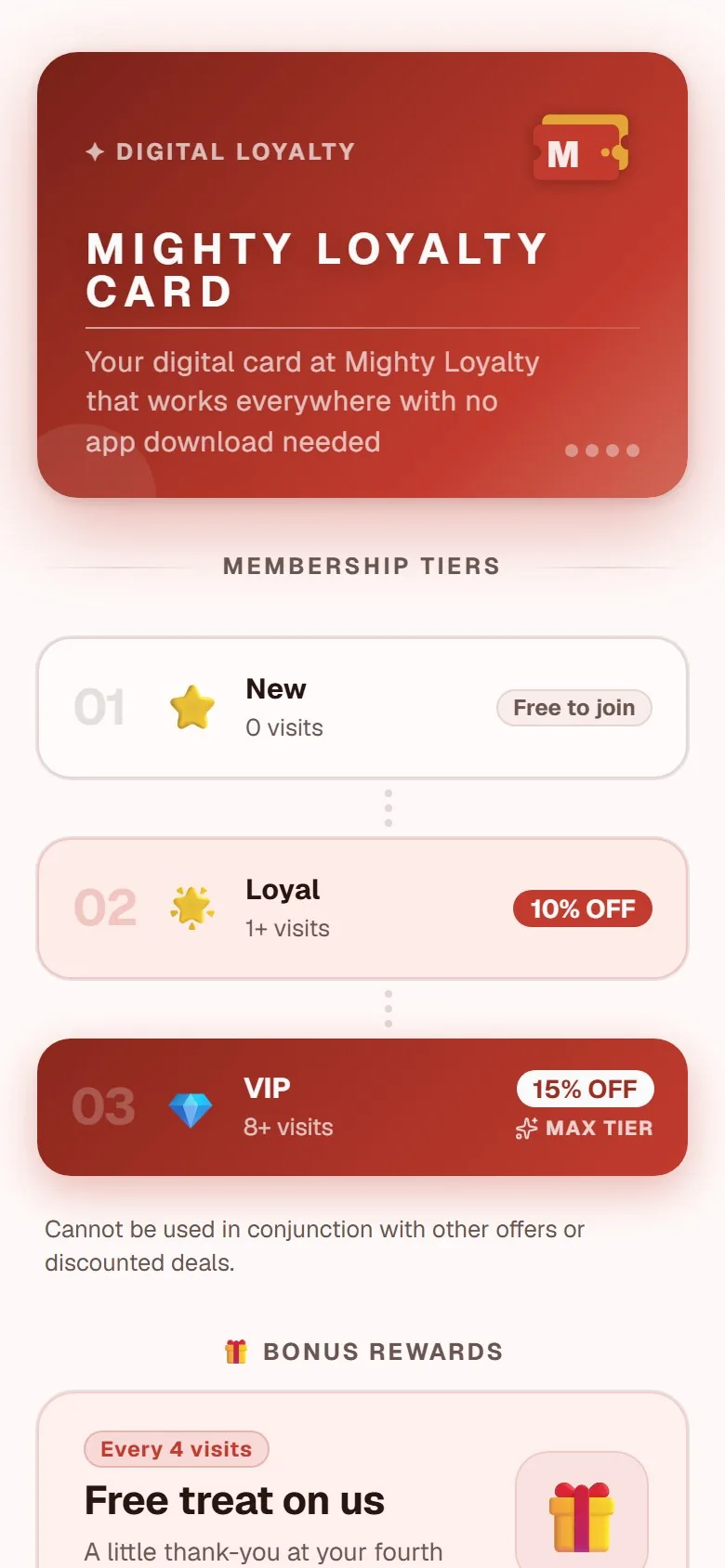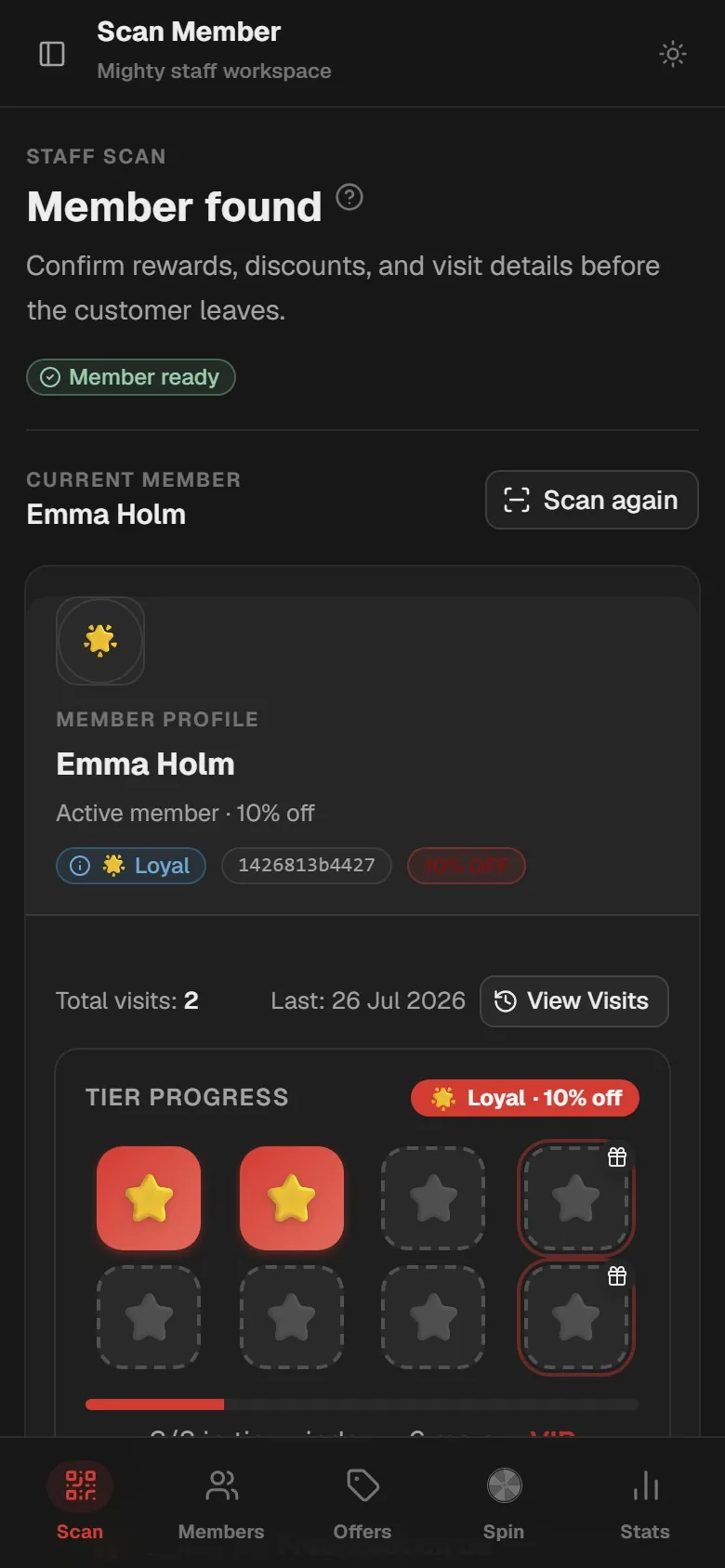
A QR code loyalty program is a stamp or points scheme where a QR code replaces the paper card. Customers scan a poster code once to join, which opens their card in the phone browser with no app to download. On every visit after that, staff scan the customer's own QR code to award a stamp toward a reward.
That last sentence is where most explanations go wrong. They describe "the QR code" as if there were only one. There are two, they do completely different jobs, and confusing them is the most common reason a launch stalls in week one.
The two QR codes, and why they are not the same
Code one: the poster code. This is the one you print. It goes on a table tent, a counter card, or a window sticker, and it points at a single web address: your sign-up page. It is identical for every customer, it never changes, and it is public by design. It holds no balance, no account, and no power to award anything.
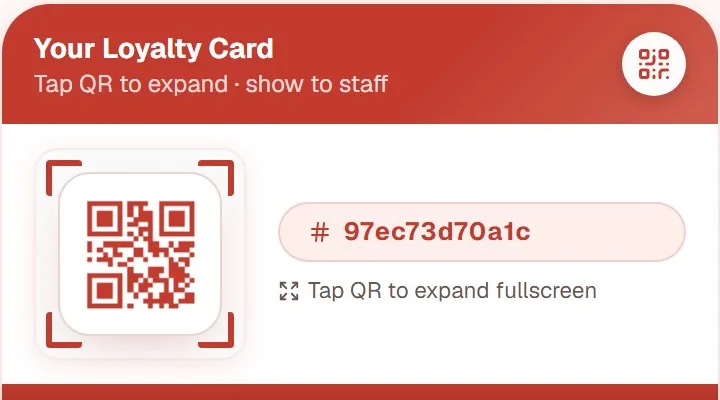
Code two: the customer code. This one is created the moment somebody joins, and it lives inside their card on their phone. It is unique to that person. It is not a voucher and not a stamp: it is an ID badge. Showing it does nothing by itself. It turns into a stamp only when a device that is signed in as staff reads it.
The poster code brings people in. The customer code tells you who they are. One is printed and static; the other is on a screen and personal.
Here is a useful question for any provider you are comparing: which code does the customer scan on visit five? If the answer is "the poster, again", the system cannot tell your customers apart, and what you have is a coupon, not a loyalty program. Our punch card app page walks through the same two-code flow next to the paper card it replaces.
What happens on the customer's phone, step by step
- Camera on the poster. Every iPhone and Android phone sold in the last several years reads QR codes straight from the built-in camera app. No scanner app, no settings to change.
- A link banner appears. The phone shows the web address as a tappable notification at the top of the screen.
- The browser opens the card. Your logo, your reward, your stamp target. This is an ordinary web page, so there is no App Store detour and no 80 megabyte download. The technical reason this works is covered in the guide to a stamp card without an app download.
- A short sign-up. A name and an email address (or a phone number), plus a consent tick. Ten seconds of typing.
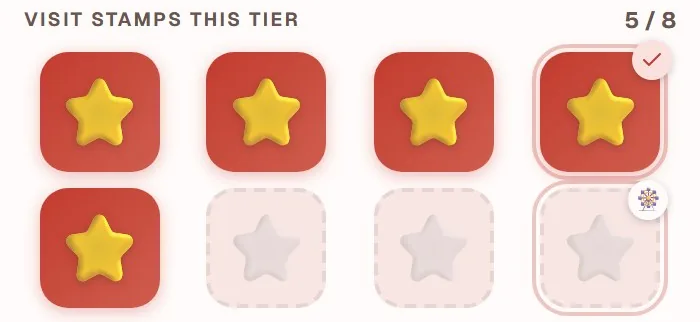
- The personal code appears. The card now shows an empty stamp grid and, underneath it, the customer's own QR code.
- Add to home screen. The card can be saved as an icon, where it looks and opens like an app without ever having been installed.
- Every visit after that. Open the card, hold the personal code up, get stamped.
Step four is the one worth defending. Every extra field you ask for costs you sign-ups at the counter, where there is a queue behind the customer and a coffee going cold. Ask for what you will genuinely use to contact people later, and nothing else.
What staff do: three seconds at the counter
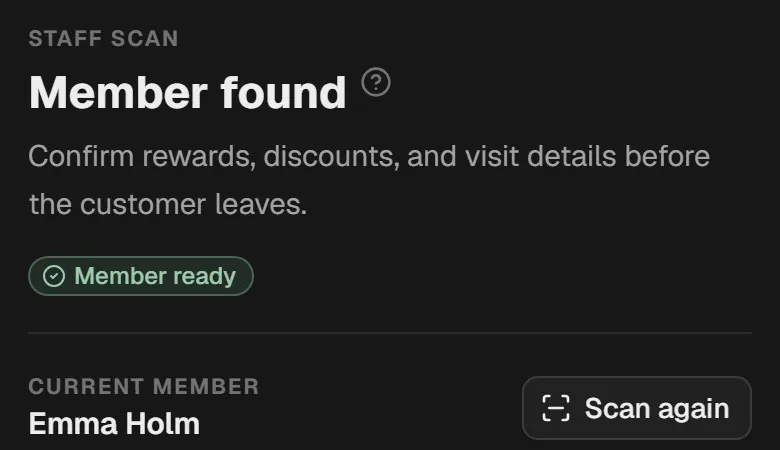
The staff side is deliberately dull, and it should stay that way. A staff phone or tablet is signed into a scan screen, the customer holds up their card, and the camera reads it. The screen confirms the stamp, and the customer sees their count tick up in real time on their own phone.
Two details make the difference between this taking three seconds and taking thirty.
The scan screen stays open. If staff have to log in, find a menu, and open a scanner for every customer, the process will quietly be abandoned during a lunch rush. The scan view should sit ready on a dedicated device, or be one tap from the home screen.
Staff have to ask. A poster is passive; a customer who does not know the program exists will never scan anything. One sentence at the counter does the work: "Do you already have our stamp card? Ten visits and the next coffee is on us." Getting the whole team saying it consistently is a short training job, and the 15 minute staff training guide covers the script and the habits.
Where to put the poster, and where not to
The poster code only gets scanned when three things happen at once: the customer has the inclination, the time, and their phone already in hand.
Places that work: at the till at eye level (the phone is already out to pay), on the table for seated service (waiting for food is dead time, and dead time is scanning time), and on the takeaway bag, which the customer opens at home with both hands free.
Places that waste the print run:
- Above head height or behind the counter. Nobody reaches over a till to scan.
- Behind glass at an angle. Glare and reflection break the read.
- On a busy poster with five other messages. If the code is competing with the wine list, the code loses.
- On the pavement outside. People walking past will not stop to join a shop they have not entered.
The full breakdown is in the guide to QR poster placement.
When the scan fails
It is rare, but the answer should never be "sorry, no stamp today". Here is what actually goes wrong.
No signal. Basements, thick walls, and dead spots in older buildings are the usual culprits: the camera reads the code fine, but the page will not load. Offer your guest WiFi. It is the single most effective fix, and it is worth printing the network name on the same poster as the code.
A dirty or cracked lens. A quick wipe on a sleeve solves more scanning problems than any support step.
Holding the phone too close. Most cameras need 10 to 20 centimetres to focus on a small code. Ask the customer to pull back rather than lean in.
Glare. Glossy lamination under a spotlight can wash the code out completely. Matte print, or a small shift in the poster's angle, fixes it.
A code printed too small. As a rule of thumb, print it at least 3 centimetres across for a table card, larger for anything read from a distance.
Whatever the cause, there has to be a manual fallback: a member looked up by email or phone number in the owner panel and stamped by hand. Confirm any system you are considering has this, because without it every scanning hiccup becomes a disappointed customer.
The fraud question: can someone stamp themselves from home?
Every owner asks this, and it deserves a direct answer.
Scanning the poster code from home does nothing. That code is just a link to your sign-up page. Somebody who photographs it and scans it from their sofa becomes a member with zero stamps. That is not a loss; it is a sign-up you did not have to work for.
A customer cannot stamp their own card. The customer code identifies, it does not credit. The stamp is written by the staff device, not by the customer's phone, so there is no code a customer can scan to give themselves a stamp. That code does not exist.
The staff scanner is behind a staff login. Access is tied to a staff account for your venue, which means it can be removed when someone leaves. A photograph of the staff screen is worthless without that login.
Watch for over-generous staff, not customers. In practice, the realistic risk in any loyalty program is a well-meaning employee handing out stamps to friends. That is a management question rather than a security one, and it is visible: every stamp is saved with the staff login that gave it, and your statistics show the visit trend, so an unusual pattern stands out. The guide to loyalty program fraud prevention covers this and the other three kinds of misuse in detail.
If you want to see the two codes in action before you print anything, our own restaurant runs the system live at https://loyalty.maiya.dk/ and you can join it as a customer. For a full breakdown of what a digital stamp card includes from setup to analytics, see our stamp card app page.
What the data tells you
Every customer-code scan writes a timestamped record: which member visited and when. From the second week of a live program, the dashboard gives you three things a paper card never could.
Who came back. The list of members who received a stamp today, yesterday, and across the week. Where a paper card gave you a count of redeemed cards with no names behind them, the digital record attaches a profile to every visit. You can see that your Tuesday regular has not been in for two weeks, or that a member who signed up in March has now visited twelve times.
When your members come in. The time-of-day and day-of-week breakdown for member visits. Members tend to be the guests who already know your routine, so their visit pattern concentrates around specific windows. That is a useful signal for scheduling and for choosing when a targeted offer would land.
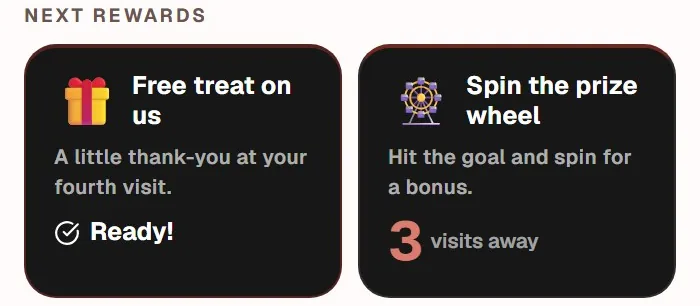
Who is close to a reward. A member on stamp eight of ten has one small reason to choose you over the place next door. The dashboard surfaces those members automatically, without you running a query or keeping a spreadsheet.
For a structured approach to turning these numbers into decisions, including which three metrics tell you whether a program is actually working, see the guide to measuring your loyalty program ROI.
Frequently asked questions
Do customers need an app for a QR code loyalty program?
No. The card opens as a web page in the phone's normal browser, so there is nothing to download and no app store account required. Customers can save the card to their home screen afterwards, where it opens like an app. That removes the biggest single drop-off point at sign-up, which is asking someone standing in a queue to install software.
Can I use the same QR code for every customer?
Only for joining. One shared poster code is correct for sign-ups and should be identical on every poster you print. But the code that gets scanned at the counter must be unique per customer, otherwise the system has no way to know whose stamp it is. Any provider offering a single code for everything cannot track individual progress or rewards.
What happens if a customer changes phone?
Nothing is lost. The card is tied to the account they signed up with, not to the device, so they log in on the new phone and their stamp history and personal code come back exactly as they were. This is a practical advantage over a paper card, which disappears for good the moment a wallet is lost or a coat is left on a train.