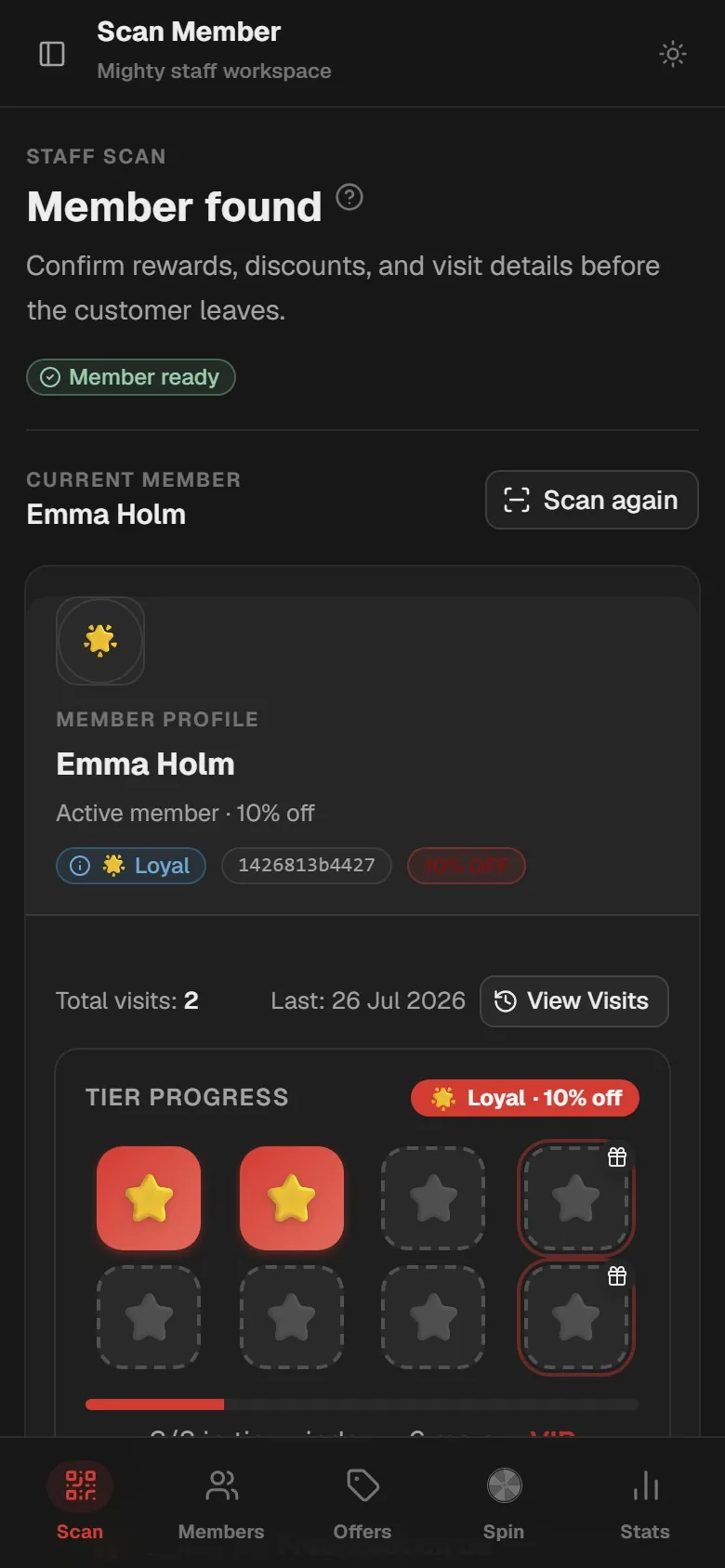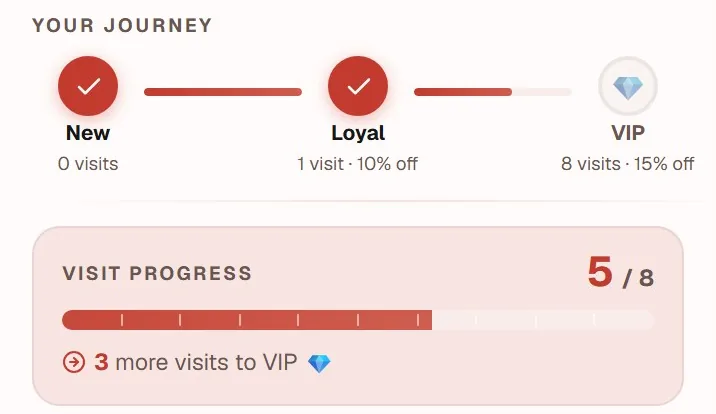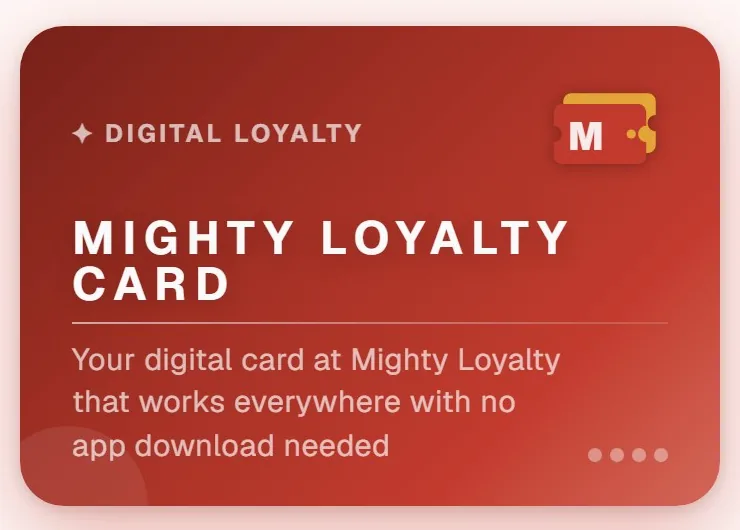
Loyalty card design comes down to making four things obvious at a glance: who the card is from, what the guest is collecting, how far away the reward is, and what that reward is. A beautiful card nobody understands does worse than a plain one a guest can read at the counter with a phone in one hand and a coffee in the other. These are the choices that matter most, in the order you should make them.
Start with what the guest needs to understand
Before you touch a colour picker, write the card out as one sentence: "Ten coffees and the next one is on us." If you cannot say it that briefly, no logo will rescue the design. That sentence drives everything else: the stamp goal, the reward name and the small print under the card.
This is also where you decide what a stamp is. Does a visit earn one stamp, or do you count items or spend? The guest should be able to see that on the card, not guess at it. How those decisions fit into the wider setup is covered in stamp card setup: five decisions before launch.
Logo and name: recognition over detail
The logo sits at the top of the card and in the guest's web app, and it is shown small. A logo with fine lines, long text or a motif that only works large turns into a grey smudge on a phone. Three pieces of advice:
- Use the simplest version of your logo. Many businesses have an icon or a monogram alongside the full logo. That is the one to use here.
- Pick a file with a transparent background, ideally SVG or PNG. A white box around the logo looks wrong as soon as the card has colour.
- Write a short name for tight spaces. Besides the full business name you can set a short name used wherever space runs out. "Café Solsikken on Nørrebro" becomes "Solsikken".
In MightyLoyalty you upload the logo in the owner portal as PNG, JPG, WebP or SVG, up to 2 MB. Pixel images can be cropped before they are saved.
One colour, used deliberately
The most common mistake is too many colours. A stamp card needs one clear colour to mark what matters: the stamps the guest has earned, the reward that is close, and the buttons. Everything else should stay calm.
Take the colour from your business, the one guests already know from your sign, your cups or your menu. Then the card feels like part of the place rather than a third-party app. If your main colour is very light, like pastel yellow or pale grey, consider a darker shade from the same family. What looks fresh on a shopfront easily disappears on a phone screen in sunlight.
Contrast between text and background decides whether the card is readable at all. The international accessibility guideline, WCAG, recommends a contrast ratio of at least 4.5 to 1 for normal text. In MightyLoyalty you pick one primary colour and the system sets black or white text on top of it automatically, depending on how light the colour is. So your main job is checking that the colour itself stands out against the light background the rest of the card sits on.
Stamp symbol and number of columns
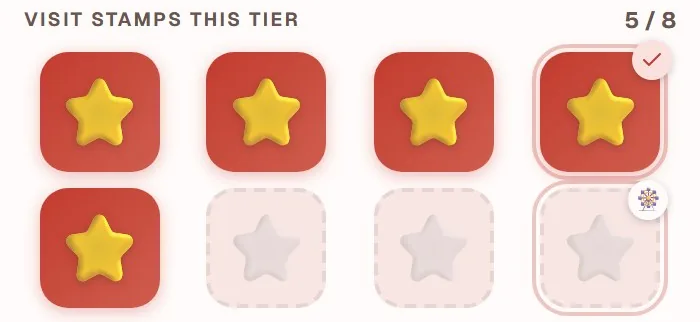
The stamp is what the guest looks for every time. A symbol that matches what you sell makes the card recognisable instantly: a cup for a cafe, a croissant for a bakery, scissors for a salon. In the owner portal you choose the symbol as an emoji, and the same emoji repeats in every slot.
The number of columns decides how the stamps are laid out. The card looks calmest when the stamp goal divides evenly by the number of columns, so every row is full. You can choose between four and eight columns and a stamp goal between three and thirty.
Stamp goal | Columns | Rows |
|---|---|---|
| 8 | 4 | 2 |
| 10 | 5 | 2 |
| 12 | 6 | 2 |
| 15 | 5 | 3 |
Two or three rows are easy to take in. Once it reaches five or six rows the card looks like homework, and the usual culprit is a stamp goal that is too high, not the design. How high your goal should be is covered in choosing the right stamp card reward.
Reward wording: short, concrete, conditions out of the headline
The reward name is the most important text on the card. Write it so the guest can picture it: "Free cappuccino" beats "Free drink", and "Free croissant" beats "Little surprise". Keep the name to two to four words and put the explanation in the description underneath.
If there are several rewards along the way, give each its own name and symbol. A card with a small reward after five stamps and a bigger one after ten tells the guest there is something within reach soon, not just far in the future.
Conditions belong in a short note, not in the reward name. "Cannot be combined with other offers" is fair, but it should not be in large type. MightyLoyalty has a field for exactly that note, so it shows with the card without crowding the reward. If you are thinking about letting stamps expire, say so here too, and read should loyalty stamps expire? first.
Test the card before guests see it
The best test takes five minutes. Open the card on your own phone, hand it to a colleague or a friend, and ask: "What do you get, and how many are you missing?" If they can answer without searching, the design works. Also look at it outside in daylight and with the screen brightness turned down.
The owner portal shows a live preview of the card while you edit, so you can try another colour or symbol without saving. That makes it easy to compare two versions before you commit.
Once the card is ready, the next step is getting guests to sign up. There is more on that on the stamp card app page.
Frequently asked questions
Should my loyalty card use the same colours as my shop?
Yes, as far as possible. Guests should recognise the card as yours. If your colour is very light, use a slightly darker shade of it so the stamps and buttons stand out on screen.
What file format should my logo be?
A file with a transparent background works best, usually SVG or PNG. Use the simplest version of your logo, because it is shown small on a phone. MightyLoyalty accepts PNG, JPG, WebP or SVG up to 2 MB.
How much text belongs on a stamp card?
As little as possible: the business name, the reward name in two to four words, and perhaps a short note on conditions. Anything the guest has to read to understand the card makes it harder to use at the counter.