Deciding to go digital is the easy part. The hard part is the fortnight around the switch, when some of your regulars are still carrying a half-full paper card and your staff have two systems to remember. This guide is the changeover plan: what to do with the cards already in circulation, what to say at the counter, and when to finally put the hole punch in a drawer.
The switch rarely fails on the software
Setting up a digital card takes minutes. Almost every switchover that goes badly goes badly for one of three reasons, and none of them are technical.
A regular feels robbed. She has eight holes punched, you announce the new system, and nobody tells her what happens to those eight. Even if she never says anything, that is the moment she stops caring about the program.
The overlap never ends. You run paper and digital "for a while", the while turns into four months, and staff quietly default to whichever one the guest pulls out first. Two half-used systems produce worse data than one paper system did.
The poster goes up and nobody asks. Signup is a counter habit, not a piece of print. If the team does not say a sentence out loud, the poster collects fingerprints and very little else.
Fix those three and the rest of the switch is administration.
Decide what happens to cards already in circulation
Do this before you announce anything. There are three workable options.
Transfer the balance. The guest shows her paper card, you add the same number of stamps to her new digital card by hand from the dashboard, and you take the paper card off her. This is the option that costs you nothing you had not already promised and buys the most goodwill. It takes about fifteen seconds per guest.
Honor paper to the end. You stop handing out new paper cards immediately, but you keep punching the ones still out there until they are full. Simple to explain, but it stretches the overlap for as long as the slowest card takes to finish.
Buy them out. Anyone holding a partly filled card gets the reward now, once, and starts fresh on digital. It is generous and it is fast, and it makes sense if only a handful of cards are out there. It does not scale if half your regulars are mid-card.
For most cafes and restaurants, transferring the balance is the right default. Manual stamping from the owner dashboard is a standard feature rather than a workaround, so the transfer is a normal action, not a favor you have to bend the system to grant.
Set an end date for paper and print it
An overlap without a deadline is not an overlap, it is a permanent second system. Two weeks is enough for most businesses: long enough that your Saturday-only regulars get a turn, short enough that staff never settle into running both.
Put the date on the counter poster in plain language: "Paper cards move over to the phone until the 30th. Bring yours in and we will transfer your stamps." That single line does three jobs at once. It tells guests the change is happening, it tells them their stamps are safe, and it gives your team a reason to start the conversation instead of waiting to be asked.
Rewrite the one sentence your staff say
The old sentence was "Do you have a stamp card?" The new one has to carry the transfer offer, because that is the part guests care about:
"Do you have our card on your phone yet? Scan this and I will move your paper stamps across."
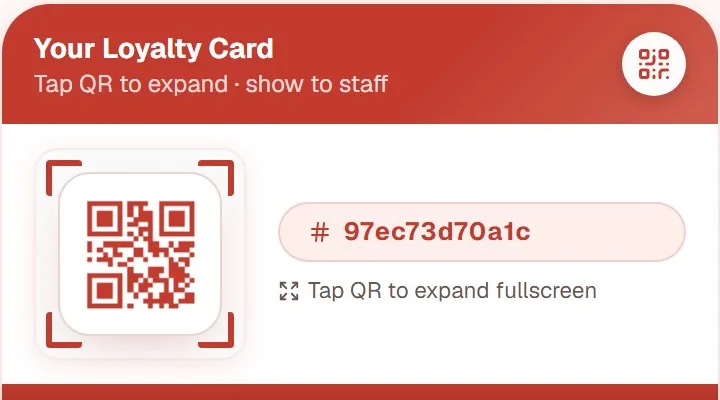
That is the whole training. The guest scans the QR code with her camera, the card opens in the browser with your logo on it, and there is no app store step and no password to invent. Staff scan her personal code once per visit after that.
Ask actively rather than passively. "Do you have ours yet?" gets a yes or no. "We have a loyalty card if you want one" gets a polite nod and nothing else. If you want the full picture of what to set up before the first guest scans anything, the digital stamp card guide covers the decisions in order.
Retire the punch, the printing, and the shoebox
Once the deadline passes, actually finish the job. Take the hole punch off the counter, cancel the next print run of cards, and throw away the stack behind the till. As long as a punch is within reach, someone will use it on a busy Friday and you will have a stamp that exists nowhere in your records.
You also lose a quiet problem you may not have counted: a paper card is trivial to forge with a hole punch bought online, and there is no way to tell a real card from a copy. Digital stamps are recorded by a staff member on a staff device, with a log for every one awarded.
What the first month on the other side looks like
The visible change is small: a scan replaces a punch. The change worth having is that the program stops being invisible to you.
Every stamp is stored with a timestamp and attached to an email address, so you can see who is close to a reward, which days produce your loyal visits, and who has gone quiet. Imagine a bakery that looks at its first month and finds that a lot of members stop at four stamps and never reach ten. That is a solvable problem: lower the goal, or add a small milestone at four. With paper, that pattern was sitting in a shoebox where nobody could read it.
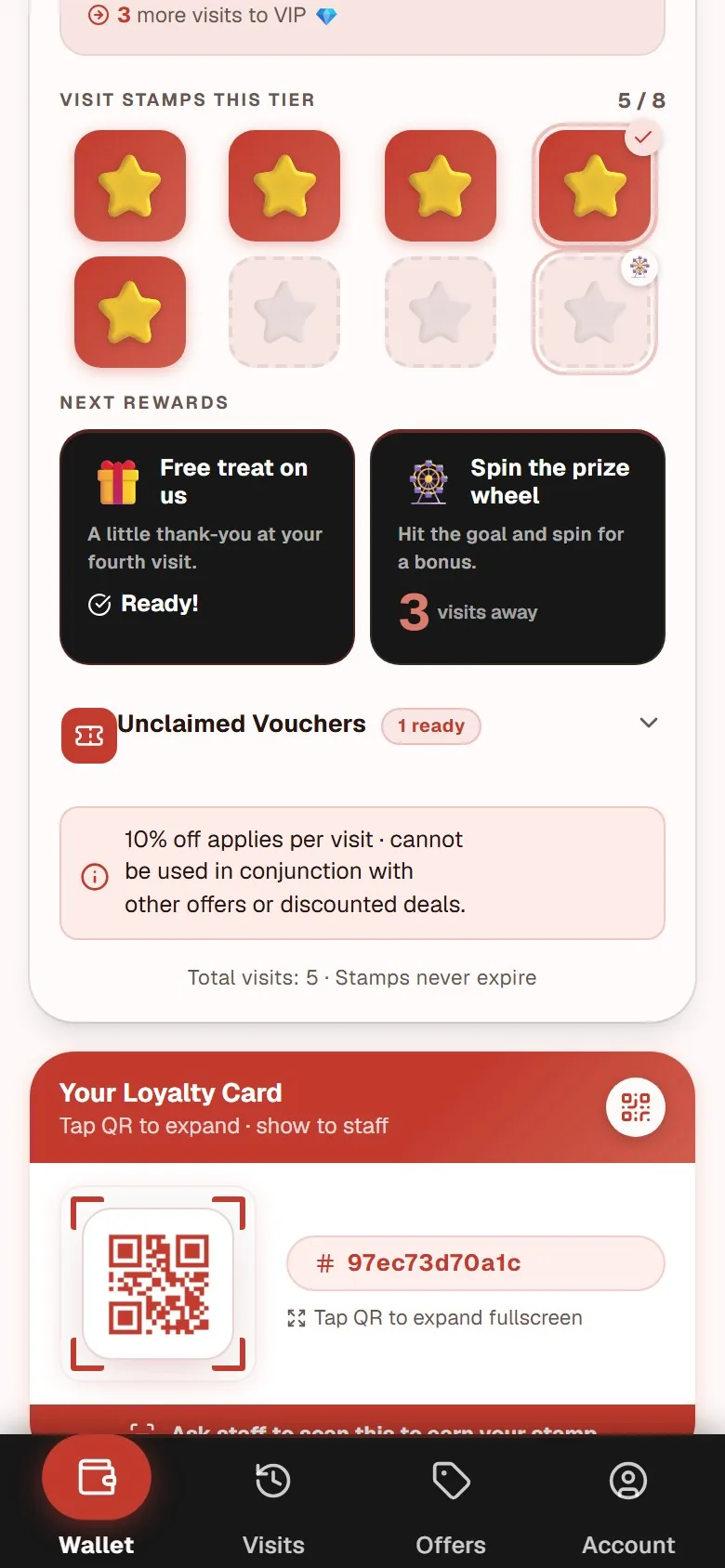
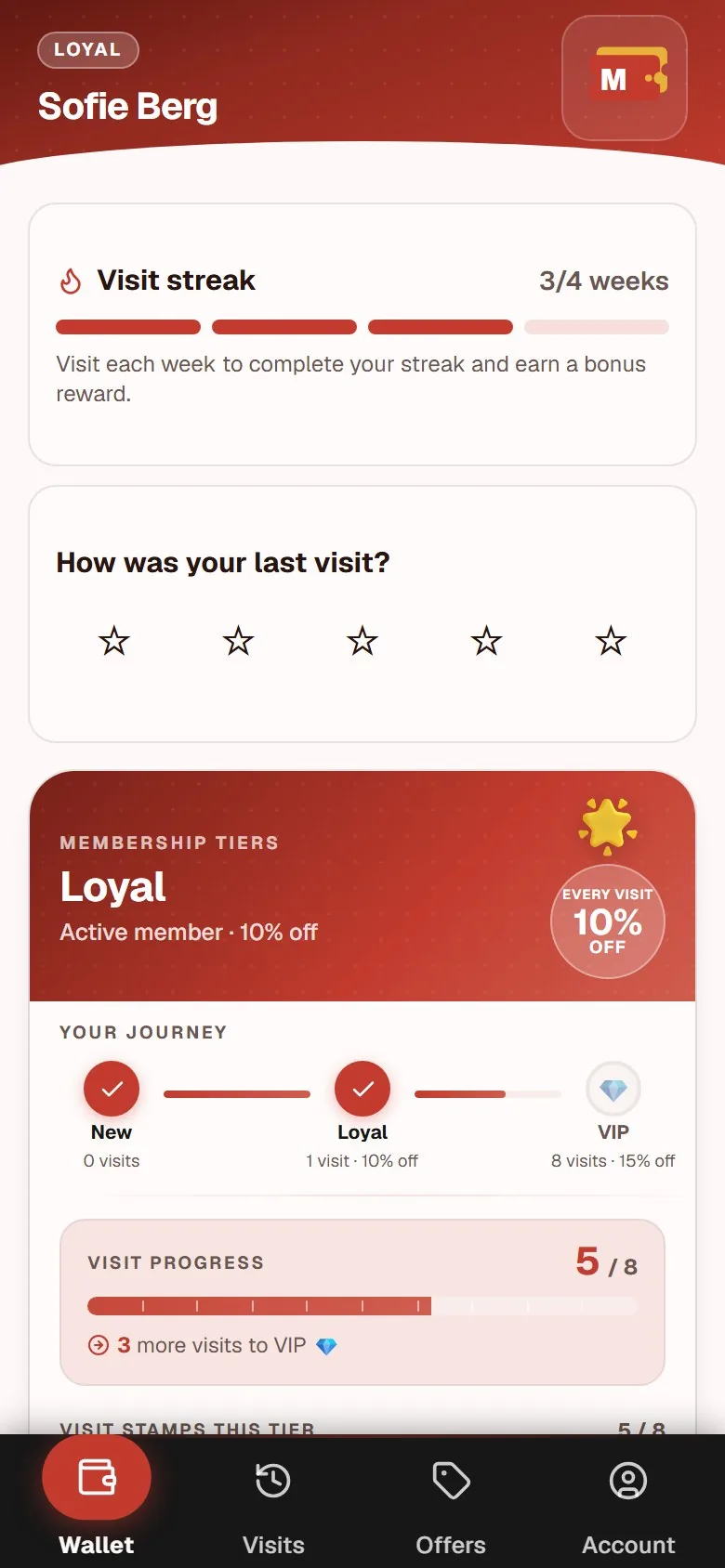
Our own digital punch card page shows the join screen, the printable poster, and the owner dashboard together, so you can see what the far side of the switch actually looks like before you commit to a date.
If you are still deciding between rewarding after the fact and selling a prepaid bundle, the clip card versus stamp card comparison covers the commercial logic behind each model.
What the digital version costs to run
MightyLoyalty starts at 99 DKK per month on the Standard plan, which covers unlimited stamping, a printable QR counter poster, and the owner dashboard. The Pro plan at 249 DKK per month adds email marketing and automations. There is no binding period and no setup fee, and you cancel in the portal.
You can see the guest side of a live program at https://loyalty.maiya.dk/ before you print anything. For a complete picture of what the digital stamp card includes from the customer's side, including the join screen, the stamp flow, and the reward screen, visit the stamp card app page. For how that compares with the other pricing models on the market, the stamp card app pricing guide breaks them down.
Frequently asked questions
Do I have to give regulars their paper stamps back?
You do not have to, but you should. Someone with eight punches earned them by visiting you eight times, and cancelling that is a strange way to launch a program about rewarding loyalty. Adding the same number of stamps to her digital card by hand takes seconds from the dashboard, and it turns your most loyal guests into the first members of the new program instead of the first people annoyed by it.
How long should I run paper and digital side by side?
Two weeks is enough for most businesses, and four is the outside limit. Announce the end date up front and put it on the poster. An open-ended overlap always becomes permanent, because there is never an obvious day to stop, and running two systems means neither set of numbers tells you anything reliable.
Do customers need to download anything after the switch?
No. A web-based card opens directly in the mobile browser: the guest scans your QR code, the card is created, and she can save it as a home-screen shortcut if she wants. There is no app store download and no installation. If she changes phone later, she signs in with her email and her stamps are exactly where she left them.